Compare the whole stay before comparing the price
AI-generated illustration — not a retailer product photo.
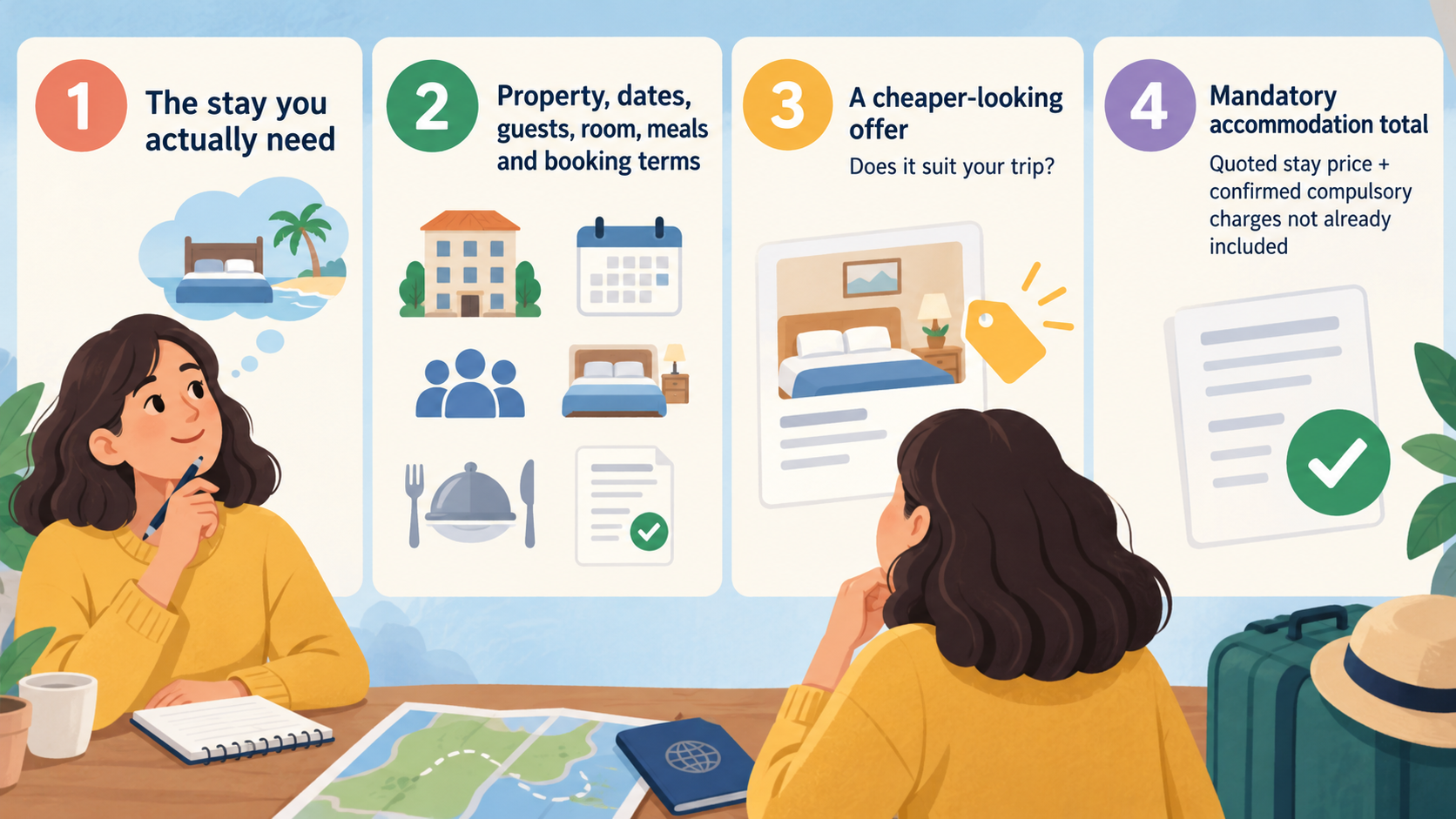
Start with one question: what will you pay for the stay you actually need? A useful comparison puts the property, dates, guests, room, meals and booking terms beside the price. Only then can you judge whether a cheaper-looking offer suits your trip.
Use two totals. First, record the mandatory accommodation total: the quoted stay price plus any confirmed compulsory charges that are not already included. Then record your planned spending total, adding optional items you genuinely expect to buy. Keep those extras visible so you can change your assumptions without losing track of the underlying room cost.
Treat an unknown charge as a question to resolve, rather than entering zero. Likewise, keep different currencies separate until you have a clearly labelled basis for comparison. An estimate can help you shortlist, but it should not be presented as a confirmed payable amount.
The method below is an editorial framework for checking offers using your own booking details. Trip.com's official pages provide an example of advertised platform features and support; they do not establish which offer is cheapest for your dates. The aim is to find a suitable stay with a total and terms you understand before paying.
Build a like-for-like total cost worksheet
AI-generated illustration — not a retailer product photo.
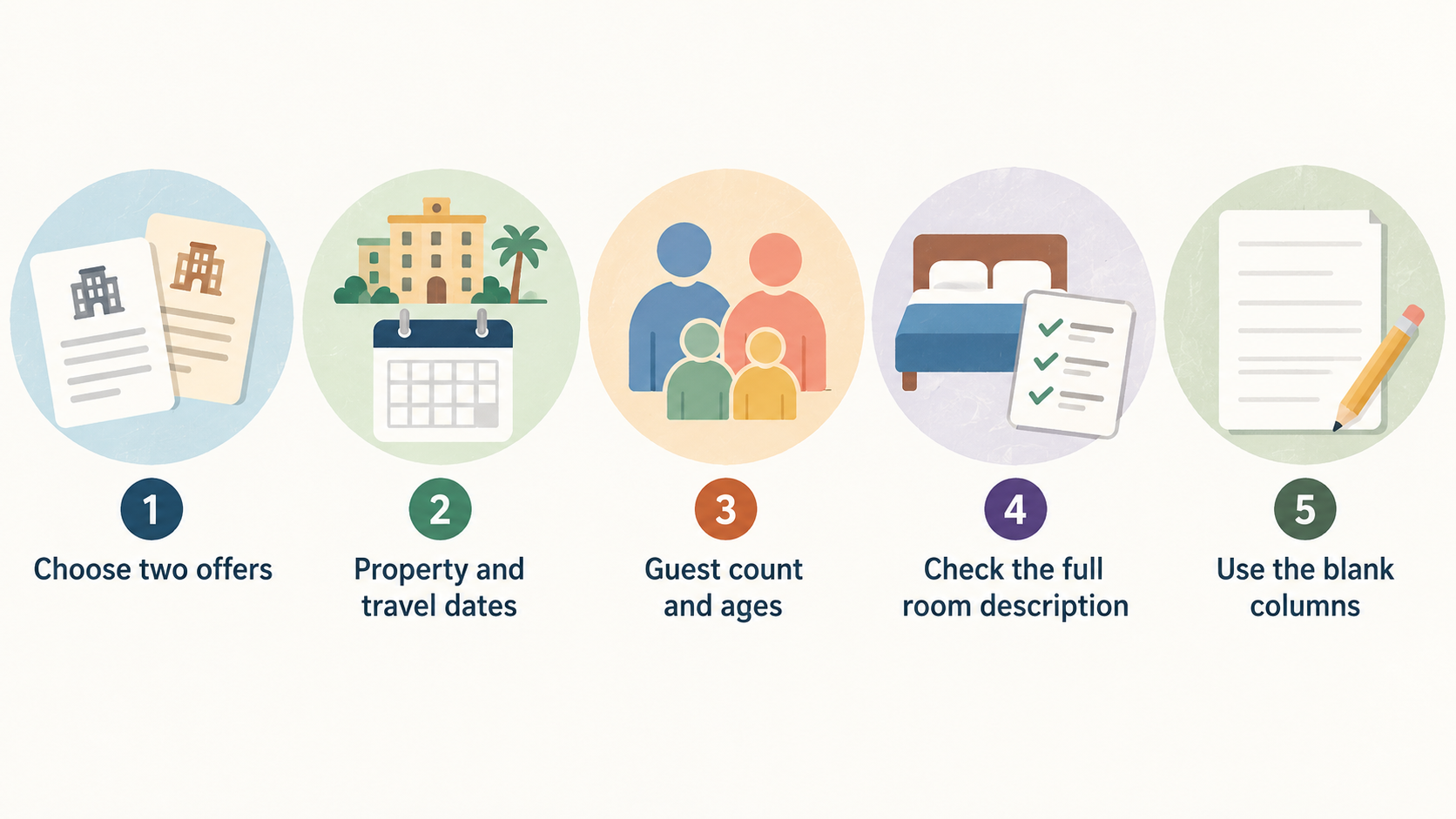
Choose two offers and copy their details into the same worksheet. Start with the exact property and travel dates, including the number of nights. Enter the guest count and any ages requested during the search. Check the full room description: do not assume that similar room names mean identical beds, occupancy or facilities.
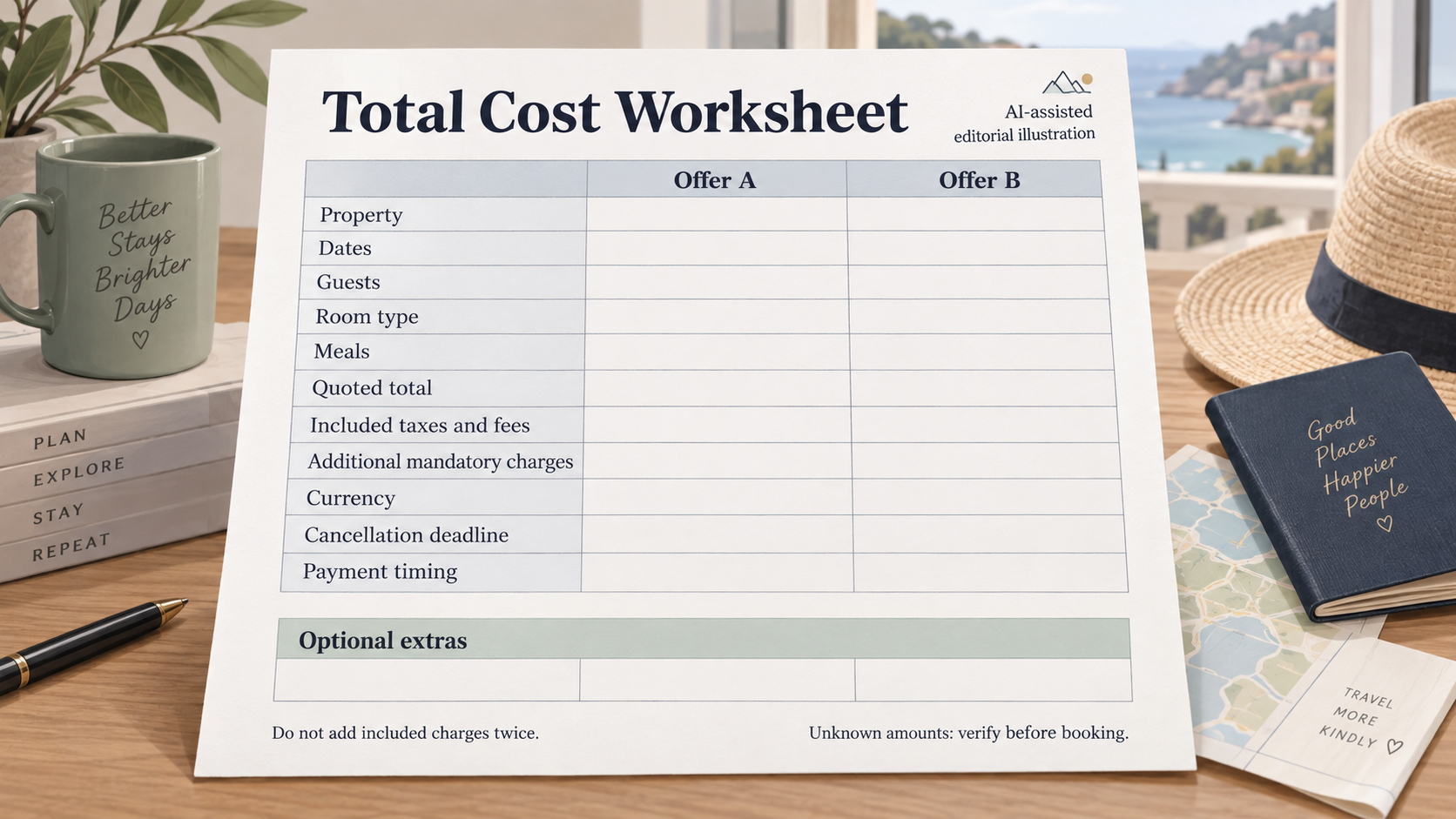
Use the blank columns below for your selected offers. Leave a field unresolved until you have checked it; write “verify” wherever information is missing.
| Comparison field | Offer A | Offer B |
|---|---|---|
| Property and location | ||
| Check-in, check-out and nights | ||
| Guests and requested ages | ||
| Exact room type, beds and occupancy | ||
| Meals included and guests covered | ||
| Quoted total for the whole stay | ||
| Taxes and fees already included | ||
| Additional mandatory charges not included | ||
| Charges payable at the property | ||
| Currency for each payable amount | ||
| Mandatory accommodation total | ||
| Optional extras you intend to buy | ||
| Planned spending total | ||
| Cancellation deadline and stated time zone | ||
| Cancellation charges or restrictions | ||
| Payment timing and amounts | ||
| Unclear details to verify |
Calculate the mandatory accommodation total by adding the quoted whole-stay amount and confirmed compulsory charges excluded from that quote. Do not add included taxes or fees again. The “charges payable at the property” row records payment location and timing; it is not automatically another amount to add. Check whether each such charge is already counted elsewhere.
Keep optional extras separate, even when you consider them essential to your own plans. For breakfast, record who is covered and on which mornings. For parking or another selected extra, use the provider's applicable amount rather than a guess. If you cannot confirm it, keep the planned spending total marked as incomplete.
Finally, put cancellation and payment terms alongside both totals. These are decision factors rather than automatic additions to the price. If the rooms or inclusions differ, label that difference explicitly. You can still compare the offers, but the worksheet should show what you would gain or give up for the price difference.
Assess platform convenience and support alongside cost
Once the offers are comparable, consider how useful the booking platform would be for this particular trip. You might value finding suitable accommodation in one search, accessing booking details easily or knowing how to contact support. Decide which of these matters to you before allowing convenience to justify a higher total.
As one example, Trip.com describes a network of more than 1.7 million hotels and advertises multilingual customer support available around the clock. These are the company's own descriptions, rather than an independent assessment of its inventory or service quality. Trip.com About Us
Its customer-service page also advertises support through chat and phone, available 24/7. That identifies advertised contact routes and availability; it does not demonstrate how quickly a particular booking problem will be resolved. Trip.com Customer Service Guarantee
For your shortlist, check whether you can find the accommodation you need, read the selected rate's conditions and locate the relevant support route. If language access matters, confirm what is available for your enquiry.
Keep this assessment beside the worksheet. A large advertised network is not evidence that a particular room costs less, and these statements should not be extended to other platforms. Choose based on the actual offer and the booking process you can verify.
Check what the price and service promises do not settle
A headline price is a starting point for investigation. Before relying on it, identify the stay length, guest count, room and meal basis to which it applies. Then check the final booking details for included charges, excluded mandatory amounts and anything payable later.
General service statements need a separate reading. Trip.com's supplied customer-service wording describes efforts to help negotiate cancellation under its special-circumstance provision. The wording describes conditional assistance, so it should not be treated as an unconditional promise of cancellation or reimbursement. Check the provider's current conditions for the relevant provision. Trip.com Customer Service Guarantee
For an ordinary booking decision, use the cancellation, refund and payment conditions attached to your chosen room offer. Record the deadline, any stated time zone, the charge after that deadline and when payment is due. If the wording is unclear, ask the provider to explain how it applies to the selected rate before you pay.
The official pages discussed here do not establish live prices for your dates, a universal approach to hotel fees or the cancellation outcome for an individual booking. They also cannot fill gaps in an incomplete quote.
Keep unresolved questions specific: “Is this charge included in the displayed total?” is more useful than “Are there any extras?” Ask where and in which currency any remaining amount is payable. Retain the clarification with your comparison so that your decision rests on details you can revisit.
Look for savings that survive the total cost comparison
Use the completed worksheet to test possible savings one change at a time. Keep a note of what changed, then recalculate the totals. If the revised offer no longer meets your needs, a lower number alone is not a reason to choose it.
- Test different dates if your plans allow. Compare another workable set of dates using the same guest count and room requirements. Only count it as a saving after checking the resulting whole-stay amount and any additional spending caused by changing the trip.
- Try a different room category. Identify the features you actually need, then check whether a simpler room meets them. Confirm occupancy, bed arrangements and inclusions before treating the alternative as equivalent.
- Compare meal options against your plans. Put the extra cost of an inclusive rate beside the confirmed cost of the meals you would otherwise choose. Count only the mornings and guests for which you expect to use the inclusion.
- Remove optional items you do not intend to use. Review selected extras before payment. Keep genuinely useful additions in the planned spending total so the comparison still reflects your trip.
- Check another suitable property or booking route. Repeat the same worksheet, including terms. If considering a different location, add a separate estimate for the transport you expect to need and label that estimate clearly.
Also compare flexibility deliberately. If a more restrictive rate is cheaper in your search, write down the price difference beside its cancellation conditions. Decide whether you are comfortable with those conditions given how settled your plans are. Do not count a possible future refund as money already saved.
None of these checks guarantees a lower price. Their purpose is to uncover a lower confirmed cost where one exists while keeping the trade-offs visible.
Recheck the final booking details before paying
AI-generated generic editorial illustration — not a retailer product photo and does not depict the reviewed product or service.
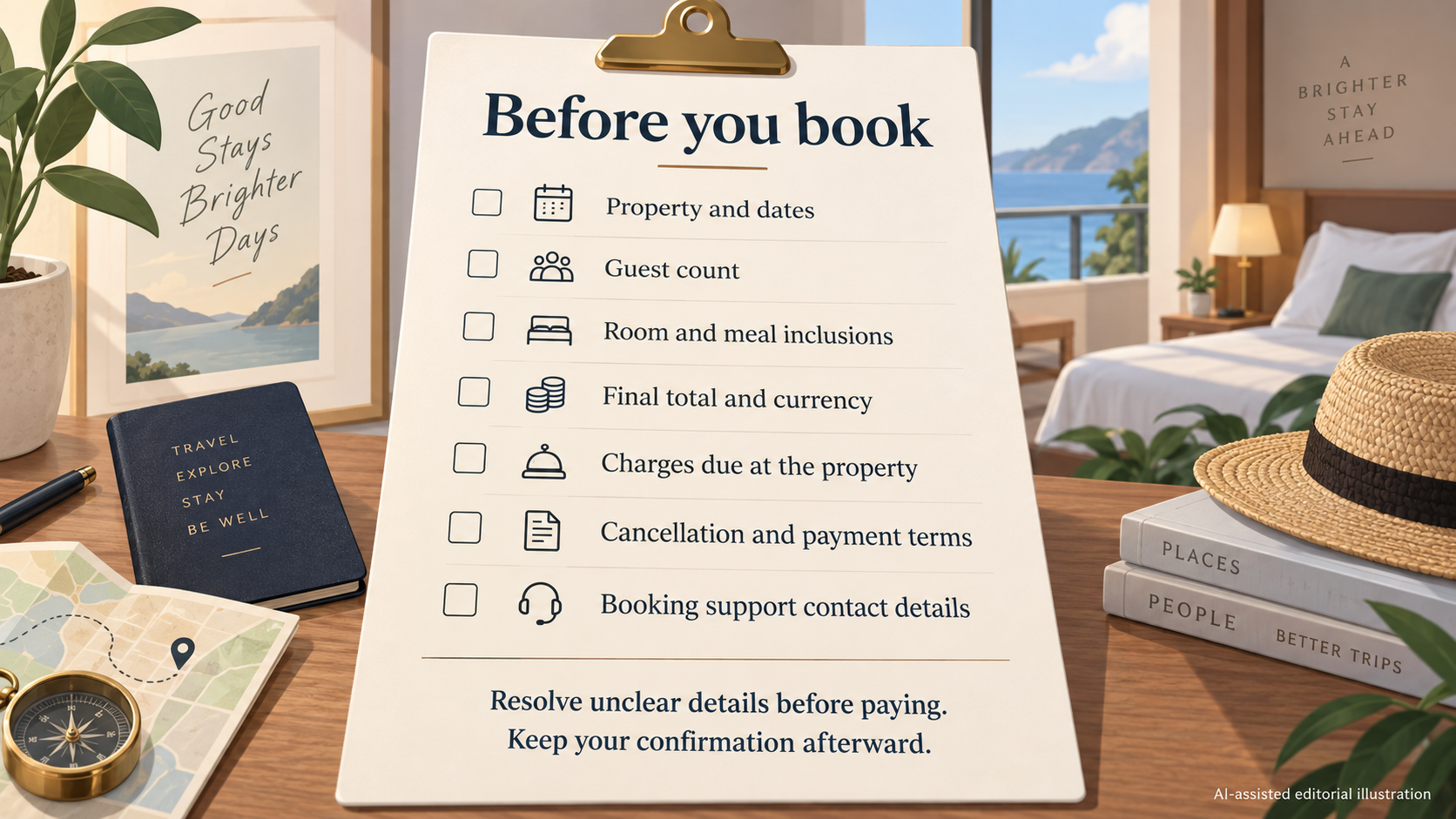 Open the selected offer's final booking screen and compare it with your worksheet. Use this checklist before authorising payment:
- Confirm the property, location, check-in and check-out dates, and number of nights.
- Check the guest count and any ages entered for the booking.
- Match the exact room description, bed arrangements and meal inclusions to your selection.
- Read the final payable total and currency, checking which taxes and fees it includes.
- Identify every stated amount due at the property and confirm whether it is already included in your total.
- Recheck the cancellation deadline, stated time zone, restrictions and applicable charges.
- Confirm how much is payable now, what is payable later and when those payments are due.
- Locate the booking support contact details and note any outstanding questions.
If a detail differs from your worksheet, update the comparison before deciding. Resolve unclear charges or conditions with the provider before paying; do not turn a missing amount into an assumed saving.
After booking, retain the confirmation, booking reference, recorded price and applicable terms. Check that the confirmation matches what you selected, and contact the provider promptly if you find a discrepancy.
Frequently Asked Questions
How do I compare a nightly price with a total stay price?
Check how many nights and rooms the nightly figure covers, and whether it is described as an average. Use the booking's itemised whole-stay quote when available. Add confirmed mandatory charges only where they are excluded from that quote. Match the dates, guests, room and meals before comparing the result with another offer. If you cannot reconcile the nightly figure with the final total, ask the provider to explain the difference.
Is a breakfast-inclusive hotel rate better value?
Compare the additional cost of the breakfast-inclusive offer with what you would otherwise spend on the breakfasts you expect to eat. Check the number of guests and mornings covered. If an early departure means you would miss breakfast, reflect that in your comparison. An inclusion you will not use should not be assigned an assumed saving, and an unconfirmed alternative meal cost should remain an estimate.
How should I compare refundable and non-refundable room rates?
Place the price difference beside the exact cancellation conditions. For an offer described as refundable, check the deadline and what happens after it. Read the restrictive rate's conditions too, including any stated payment timing. Base the choice on how settled your plans are and which conditions you are willing to accept. Ask the provider to clarify ambiguous wording rather than relying on the short rate label.
Is booking directly with the hotel always cheaper?
The supplied evidence does not establish that. Compare the hotel's offer with platform offers for the same dates, guests, room, meals and terms. Use the final mandatory accommodation total for each, then consider optional spending and convenience separately. If an offer requires membership or another condition, verify your eligibility and the applicable terms before including it in the comparison.
Does a booking platform's service guarantee mean I can cancel for free?
Do not infer free cancellation from a general service guarantee. Trip.com's cited provision describes assistance with negotiating cancellation under specified circumstances, rather than an unconditional refund promise. Read the cancellation conditions for your selected room rate and ask the provider about anything unclear before booking. Trip.com Customer Service Guarantee
Related reading
- Best hotel booking websites: evidence-led choices for different trips
- Expedia vs Booking.com: which hotel booking platform fits your trip
- Expedia review: hotel booking strengths, limits and alternatives
- Booking.com review: how its hotel booking service works
Editorial information: About our editorial team · Read our editorial policy · Read our affiliate disclosure.